2026-07-10 · 4 min read · Minnesota
How Do I Narrow Down Neighborhoods in Minnesota?
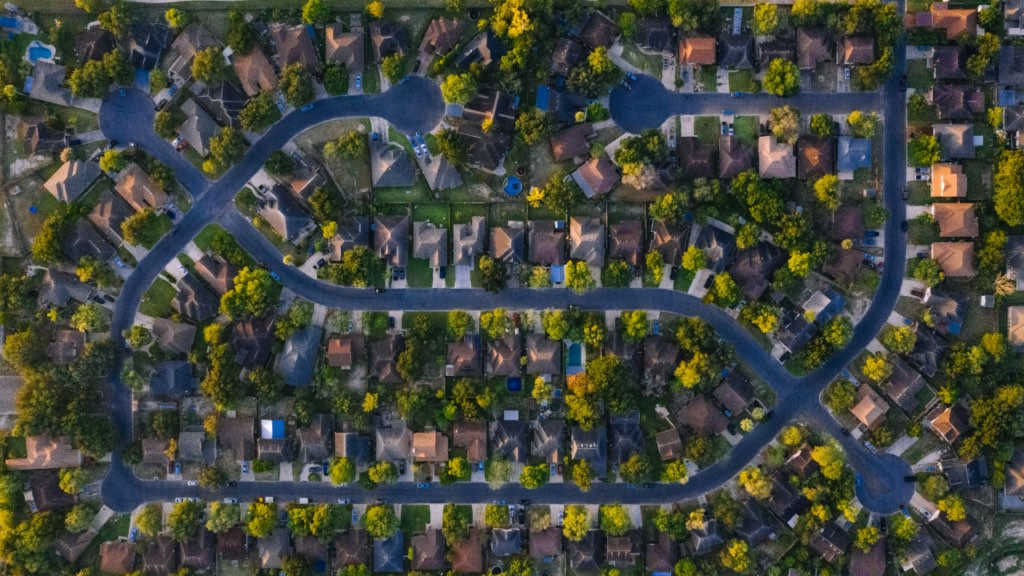
How do you narrow down neighborhoods in Minnesota? Work in rounds. First filter the whole metro by commute and budget, then cut to about three cities, then compare two or three neighborhoods inside each on facts you can check. Set a deadline for each round, and let the actual homes on the market make the final call.
Why does a search keep getting wider?
A search without filters grows every time a new listing appears somewhere else. Each home you like in a new area adds that area to the list, and soon you are comparing the whole metro at once. Rounds stop that. Each round has one job and one deadline, and an area that does not pass a round stays out.
Round one: which filters go first?
Start with the two filters that are hardest to change.
- Commute. Pick the longest drive or ride you accept, at your real hours. Use Metro Transit's trip planner or a map app set to a weekday departure time.
- Budget. Use your lender's pre-approval and the monthly payment you are comfortable with, including taxes, insurance and any dues.
Our neighborhood finder applies these filters across the metro. Anything outside both filters drops off.
Round two: how do I cut to three cities?
From the areas that pass round one, compare cities on a few facts:
- The home types and ages available in your price range.
- Lot sizes and whether association-maintained homes are common.
- Distance to your weekly errands, clinics, parks and trails.
- Property tax bills on homes like the ones you want, from county records.
- School district boundaries, if they matter to your household.
Keep three. Write one line for each city explaining why it stayed, because that line helps when a new listing tempts you to reopen the search. If you cannot choose, look at recent sales in each city in our market report and see where your budget buys the home you want.
Round three: how do I compare neighborhoods inside a city?
Inside a city, neighborhoods can differ a lot in home age, lot size, distance to the highway and association rules. For each city, pick two or three neighborhoods and compare:
- Drive time to your work from that neighborhood, since one side of a city can be much closer to a highway than the other.
- Home styles and ages on the streets you would buy on.
- Association rules and dues where they apply.
- Nearby land and what the city's zoning map shows for it.
- Flood maps from the FEMA Flood Map Service Center.
Then visit. Drive the commute, run an errand and walk the streets at the times you would be there. Our article on choosing a neighborhood covers more of the facts to compare.
How do I keep the list from growing again?
- Set deadlines. Give each round a week or two.
- Use saved searches. Set your home search to the neighborhoods that made the list, so listings elsewhere do not pull you back out.
- Use one note format. Record the same facts for every neighborhood so comparisons stay fair.
- Add only with a reason. A new area joins the list only if it beats one already on it on the facts.
How do I narrow down from out of state?
Rounds one and two work well from a distance. Run the filters online, then ask us for recent sales, home photos and commute times for each city on your list. Video tours of a few homes in each area show you what your budget buys before you travel.
Save round three for a visit. Plan a trip around the neighborhoods that made the list, drive the commute at rush hour and see the homes in person. A focused visit to six neighborhoods teaches you more than a broad drive through twenty. Our relocation page explains how we help buyers plan that trip.
When do the homes decide?
Once you have four to six neighborhoods, start touring. The homes on the market in those neighborhoods often settle the choice. If two neighborhoods score about the same, the one with a home you like at the right price wins. Ask us to set alerts so you see new listings in those neighborhoods as soon as they come on. When a home comes up, compare it to your notes on that neighborhood and to the last home you toured, not to every home you have seen online.
We describe homes, prices, commutes, parks and services. We do not describe the people who live in any area, and we do not rank areas. Fair housing law shapes how we work, and it also means the facts you collect yourself are the ones that count.
Frequently asked questions
How many neighborhoods should I tour?
Four to six neighborhoods is a workable number for touring. More than that usually means another round of narrowing is needed.
Which filter should come first?
Commute and budget come first, because they are the hardest to change after you buy.
What if no home is for sale in my top neighborhood?
A saved search with alerts shows you new listings as they appear. You can also tour your second-choice neighborhood in the meantime.
Can you tell me which neighborhood to pick?
We share facts about homes, prices, commutes and services. You decide which neighborhood fits you.
We can run your filters and build a short list with you. Send us a message or call (651) 661-4770. What questions do you have?